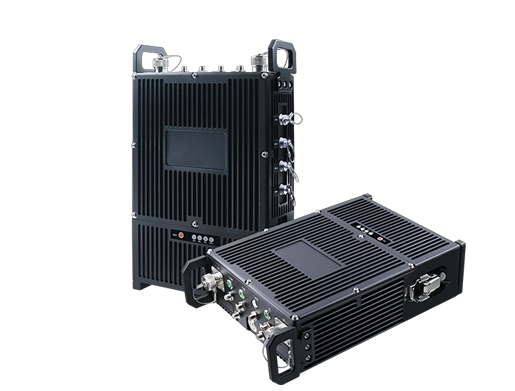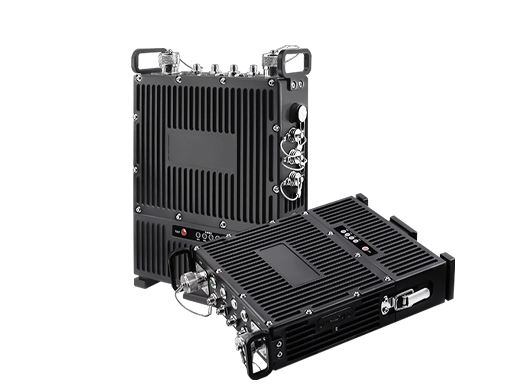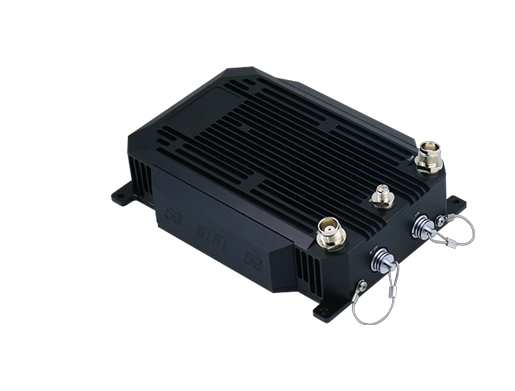


A call box is a fixed communication device installed at a specific location that allows a person to quickly contact other people, a control room, a security room, residents, or an emergency response team. Depending on the scenario, a call box can be used for visitor access, emergency help, roadside assistance, parking assistance, campus security, industrial communication, or secure access control.
Traditional call boxes were mostly simple audio devices connected over analog lines. Today, many systems support IP and SIP networking, hands-free calling, video calling, remote door and gate release, event logging, and integration with CCTV, public address, dispatch platforms, and access control systems. This technological evolution allows the modern call box to go far beyond basic help-calling.
Related product:Emergency intercom system
How It Works
Communication requests can be divided into daily inquiries and emergency requests. In residential buildings, visitors can request entry through the call box; in parking lots, users can seek help at gates or payment stations; on campuses, security can be called with one touch; in industrial settings, the device connects on-site personnel with the operations center for incident reporting and emergency response.
The User Initiates a Call
The user presses a button, selects a contact, enters an extension number, or triggers a dedicated help button to start the communication process. Some call boxes have an independent emergency button for one-touch help; others integrate a keypad, speed dial, and touchscreen to meet the intercom needs of visitors and internal staff.
In modern systems, when the call is established, the camera, indicator lights, speaker, and microphone can automatically activate and status notifications are pushed. This lets the user clearly know the request has been accepted and helps the answering party quickly grasp the on-site situation.
System Communication Routing and Forwarding
Once the call is triggered, the signal is transmitted and forwarded through the underlying communication protocols. Legacy devices rely on analog telephone lines and wired local controllers; newly deployed devices generally transmit data over IP networks, SIP servers, IP PBXs, cellular networks, or cloud platforms.
The call destination is customized according to the site plan. Residential call boxes can be forwarded to a resident's landline or mobile app; parking lot and campus help terminals connect to the security duty room; emergency call boxes integrate with public safety centers, operation consoles, and emergency dispatch platforms for incident escalation.
The Receiver Answers and Handles the Call
After the call is forwarded to the target terminal, the answering party can respond via two-way voice or, on some devices, two-way audio and video. If the device is part of an access control management system, the answering party can verify the visitor's identity and remotely unlock doors, gates, and protective fences.
In security-priority deployments, the response process goes beyond voice communication. The system can automatically trigger event recording, camera pop-ups, alarm pushes, broadcast announcements, and dispatch orders, fully retaining event records and completing handling strictly according to site regulations.
Main Categories
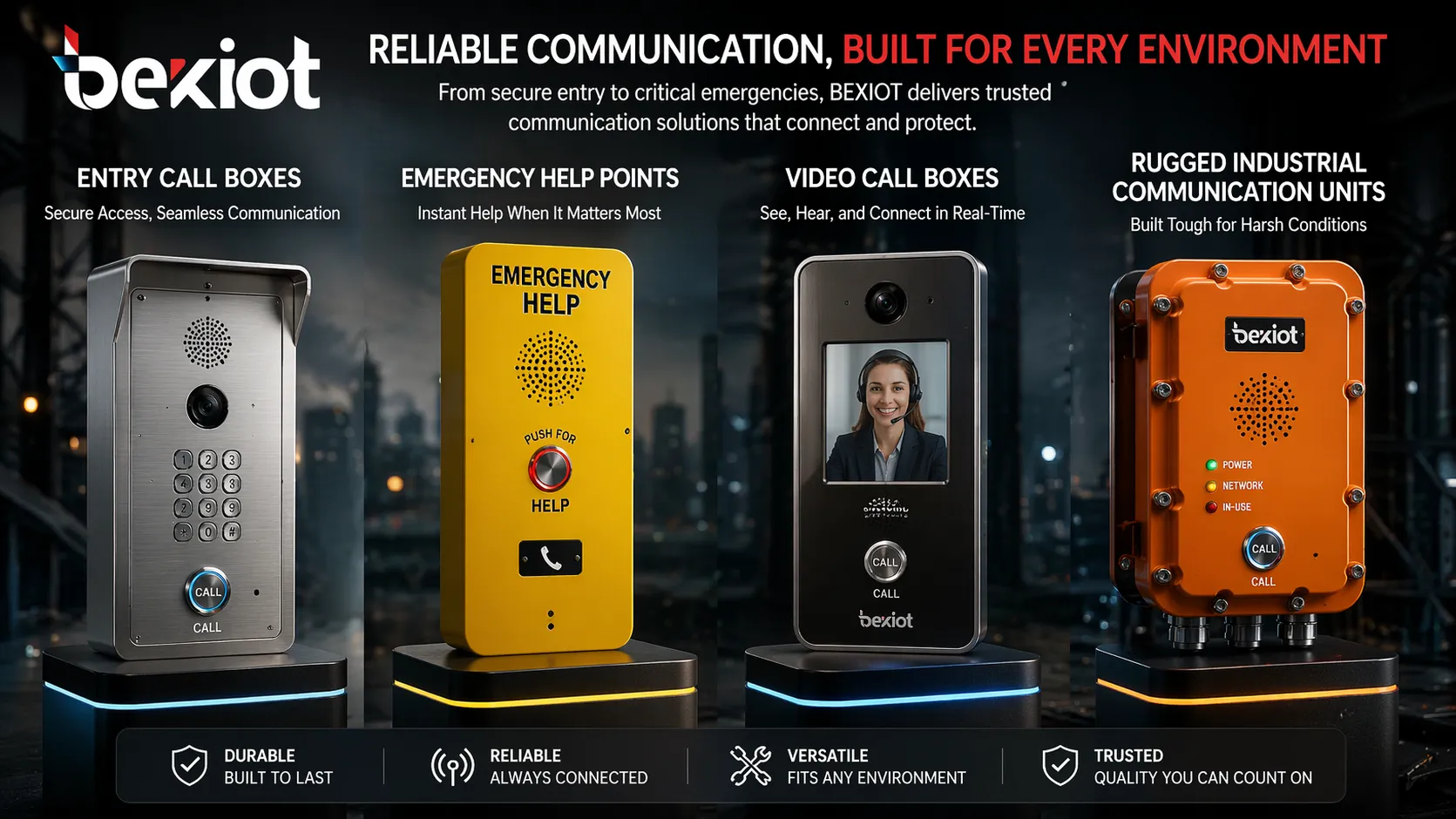
Access Control Call Box
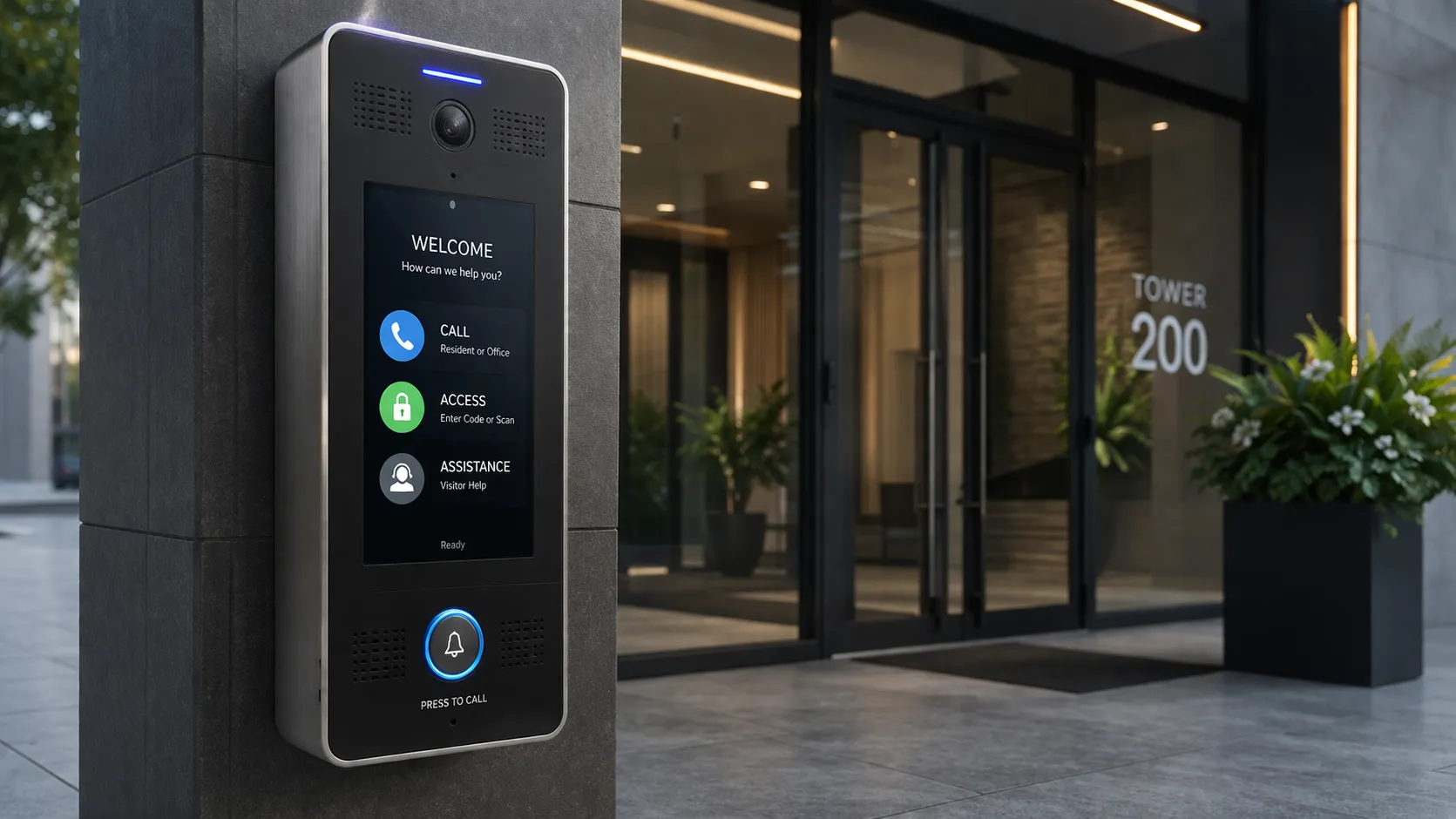
Access control call boxes are widely installed in apartment buildings, gated communities, office buildings, and controlled areas. Their core role is to help visitors contact residents, reception, security, or site management and gain access after identity verification.
These devices typically include a resident directory, numeric keypad, card reader, QR code access flow, or remote unlock function. Newer devices support mobile answering and video verification, balancing convenience and site security.
Emergency Call Box
Emergency call boxes are designed for areas without permanent staff and provide rapid rescue service. Typical applications include highways, parking lots, campuses, transit platforms, public areas, and remote outdoor sites.
The design emphasizes high visibility, extremely fast response, and operational stability. Most adopt one-touch calling, high-visibility enclosures, and hands-free audio, and can integrate seamlessly with security and emergency response processes.
Video Call Box
Video call boxes integrate voice calling and surveillance cameras, allowing the answering party to visually verify identity, the on-site environment, and incidents. They are suitable for entrances, loading areas, perimeter gates, and other controlled points requiring identity verification.
Video functionality comprehensively improves security levels and service quality, reduces information deviation, supports precise decision-making, and retains complete interaction video records.
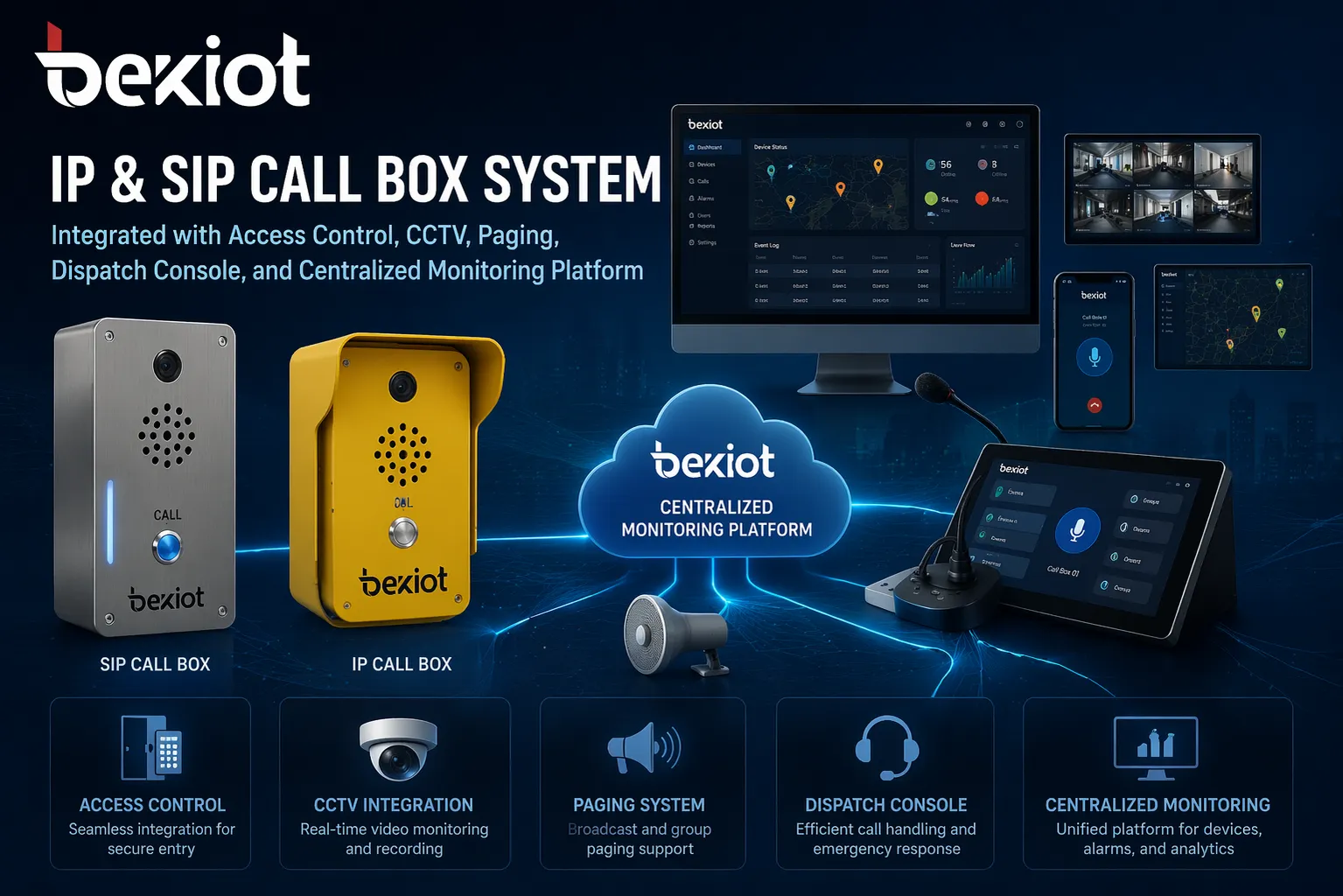
IP and SIP Call Box
IP and SIP call boxes operate over Ethernet and managed IP networks, breaking free from traditional standalone legacy wiring. They can register with SIP platforms, IP PBXs, and unified communications systems, facilitating multi-site expansion and cross-system integration.
For enterprises that already have IP telephony deployed, this solution offers high compatibility. The call box can be integrated into the overall communication architecture and used together with desk phones, mobile clients, broadcast terminals, gateway devices, and dispatch consoles.
Industrial Rugged Call Box
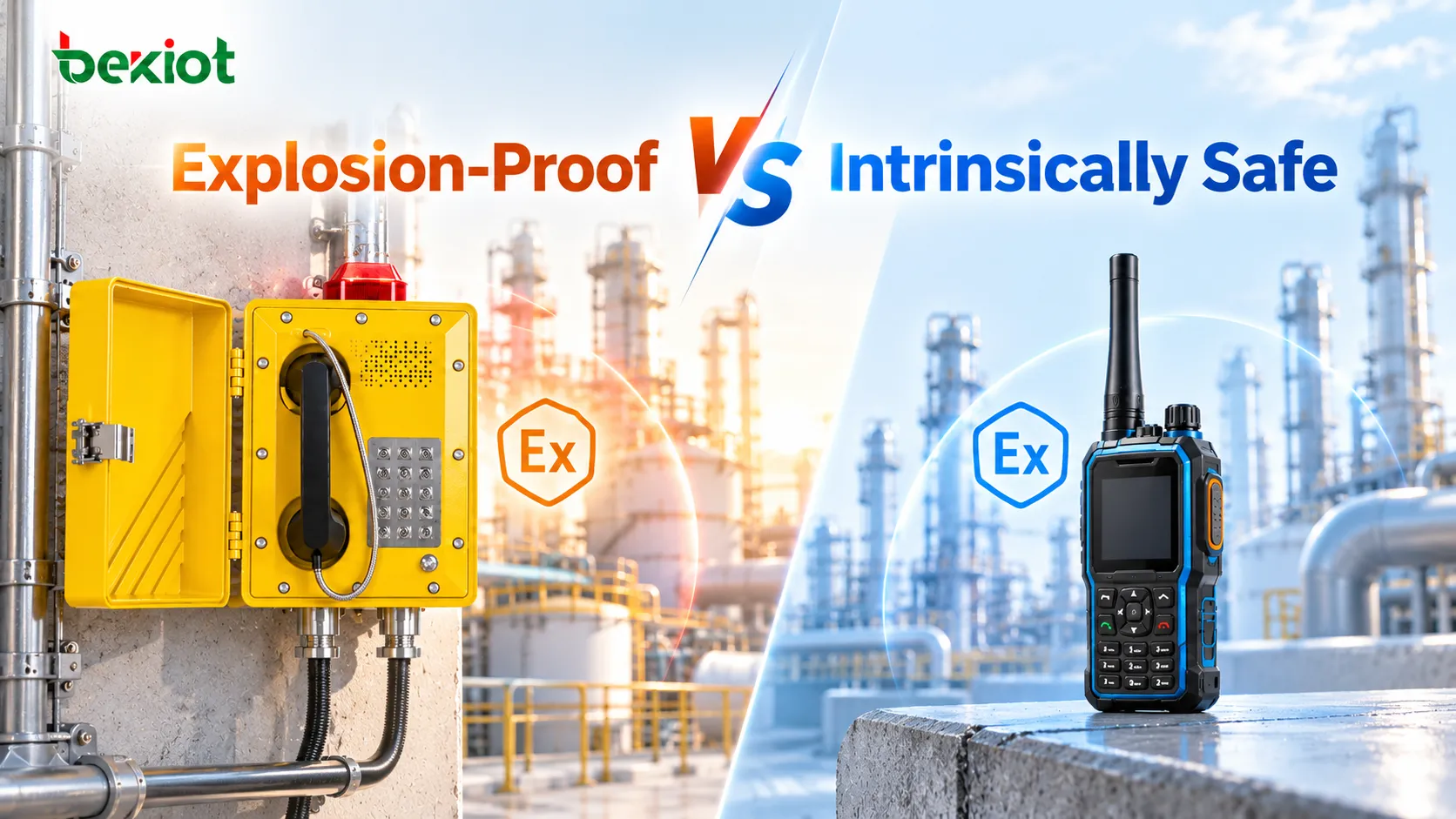
Industrial call boxes are built for harsh conditions and are suitable for outdoor sun exposure, dust and humidity, vibration and corrosion, high-noise production workshops, tunnels, docks, municipal facilities, and large chemical plant areas. The devices feature weather resistance, vandal resistance, loudspeaker intercom, gloved operation, and emergency shortcut buttons.
In industrial settings, call boxes are generally not used as standalone devices but as part of the overall safety production system, and can operate in conjunction with public address, alarm systems, wireless dispatch, monitoring platforms, and emergency communication infrastructure.
Common Application Scenarios
Residential Communities and Gated Communities
In residential settings, call boxes are deployed at building entrances, community gates, and lobby access points to regulate visitor intercom access. Visitors, couriers, and construction workers can call authorized personnel with one touch, without keeping doors open long-term or leaving posts unattended.
Combined with remote answering, video surveillance, and access control systems, they improve convenience and allow property management to precisely control community access.
Office Buildings and Commercial Complexes
Commercial buildings often install call boxes at main entrances, service corridors, parking gates, and after-hours entrances. On workdays, calls can be forwarded to the reception desk; at night, they automatically switch to security personnel, ensuring stable communication at all times.
The device is ideal for buildings that require access control but cannot assign full-time staff to every entrance.
Parking Lots and Parking Garages
Parking facilities deploy call boxes at access gates, exit lanes, stairwells, payment stations, elevators, and remote areas. When users encounter access anomalies, payment failures, equipment damage, or safety hazards, they can quickly request help.
Integrated with CCTV and centralized monitoring platforms, the call box becomes a core service and security tool. Managers can answer calls in real time, view the scene, and quickly coordinate handling of various issues.
Campuses, Hospitals, and Public Facilities
Schools, hospitals, municipal buildings, and public venues commonly deploy call boxes for visitor reception, internal office communication, and emergency incidents. The fixed installation point helps rescue personnel quickly locate the help request, which is crucial in large sites with dense buildings and extensive outdoor areas.
Devices in these scenarios generally feature clear identification, easy hands-free operation, and high-definition audio pickup in all environments.
Highways and Transportation Infrastructure
Roadside emergency call boxes and transportation help terminals are mainly deployed in areas with weak mobile signals, mandatory emergency points, and locations where operations personnel need precise positioning, including highways, tunnels, high-speed rail platforms, and passenger service centers.
In transportation scenarios, stable communication and standardized incident handling are more important than complex functions; the core goal is to quickly establish contact and achieve coordinated multi-party rescue.
Industrial Parks and Critical Facilities
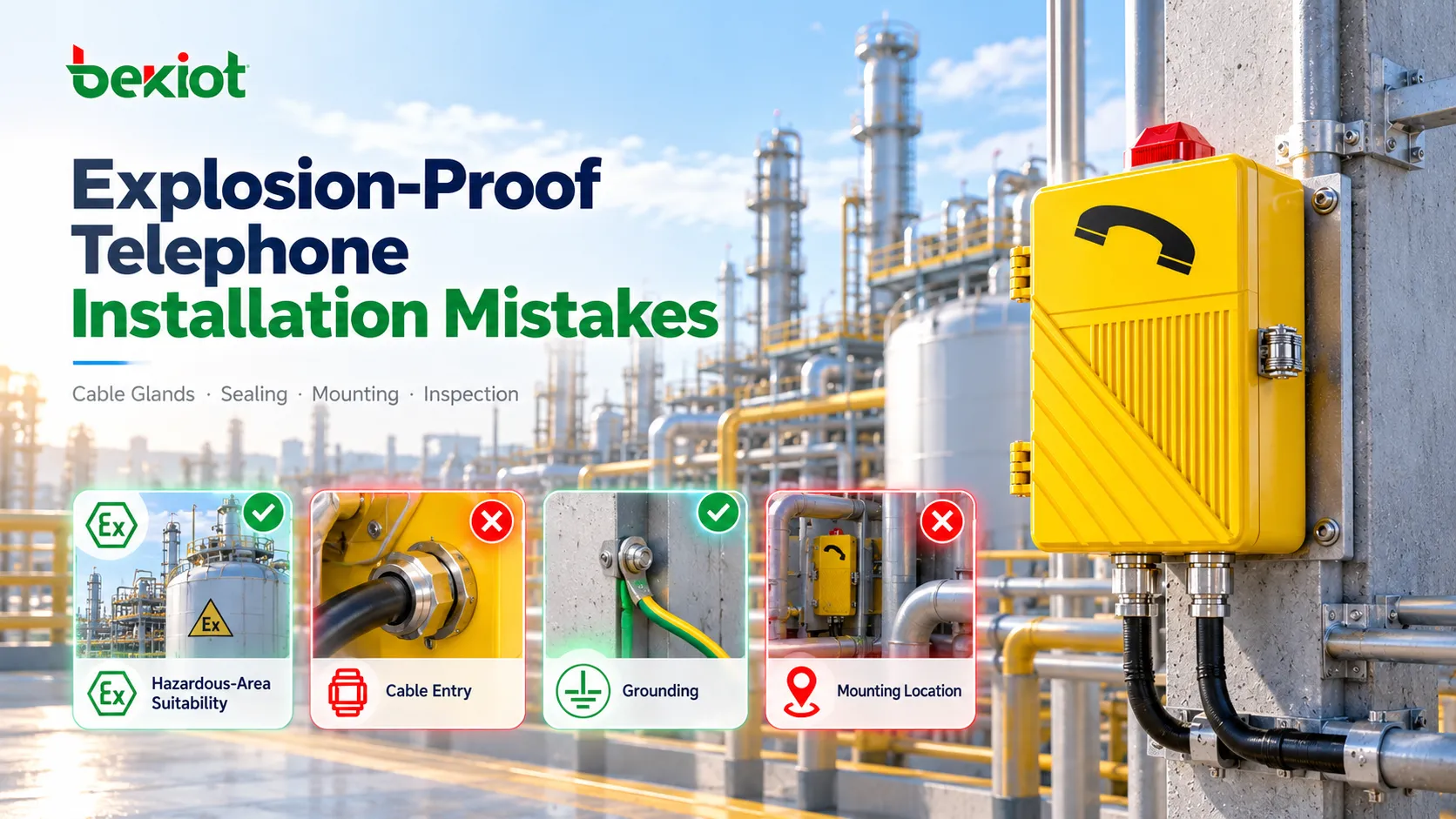
Factories, power plants, ports, substations, municipal energy facilities, warehouses, and process industry sites deploy industrial three-proof call boxes at gates, production areas, control points, tank farms, loading areas, and site boundaries to meet the instant communication needs of on-site personnel with the central control room and emergency teams.
In such scenarios, call boxes are deeply integrated into the overall operations communication solution, combining public address, internal intercom, emergency dispatch, alarm linkage, and cross-area on-site collaboration.
The larger the site and the harsher the conditions, the higher the value of fixed communication points. A call box is not just a hardware device; it is a location-aware emergency trigger terminal.
Wired, Wireless, and IP Call Box Systems
Call boxes vary in networking methods, and the underlying communication architecture directly affects installation cost, scalability, operations and maintenance, and third-party system integration space.
Wired Call Boxes
Wired systems use analog telephone lines, low-voltage cables, or dedicated control cables. They perform reliably in stable environments with well-established infrastructure, but are difficult to expand after site expansion or renovation.
These devices are mostly used in legacy renovation projects, but for special sites that only require simple point-to-point communication, wired solutions still have practical value.
Wireless / Cellular Call Boxes
Wireless and 4G/5G cellular call boxes do not require large-scale excavation and cabling, making them suitable for outdoor sites, parking lots, temporary construction sites, and remote areas, greatly reducing the high cost and site damage of wired construction.
The disadvantage is that system stability depends heavily on signal coverage, power supply solutions, and long-term network operations management.
IP Network Call Boxes
IP call boxes transmit voice, video, control signals, and event data over the site's local area network. They are the preferred architecture in most modern projects, supporting centralized management and distributed deployment, and can easily connect to telephone systems, monitoring platforms, and security systems.
For multi-building campuses and large enterprises, IP and SIP architectures achieve the optimal balance between scalability, flexibility, and long-term cost of ownership.
Core Essential Functions
Device functions are configured as needed, but mature call box systems share common core capabilities.
Two-way hands-free audio is the basic configuration, especially for public areas and emergency scenarios. Meanwhile, video verification, remote door release, call transfer, event storage, and security/operations software integration have become standard requirements in mainstream projects.
For large, high-demand sites, SIP compatibility, IP PBX integration, centralized management, status monitoring, weather and vandal resistance, and the ability to connect with third-party systems such as access control, surveillance, public address, and dispatch platforms are also key considerations.
Differences Between Call Box, Intercom, and Emergency Telephone
The three concepts are related but not entirely equivalent. “Call box” is a broad term for fixed-point call communication devices; “intercom” emphasizes two-way voice interaction and is mostly used for access control and internal communication; “emergency telephone” focuses on rapid help-seeking and incident escalation in high-risk scenarios.
In practice, many device functions merge, and a single device can simultaneously serve as a call box, SIP intercom, and emergency help terminal. Precise naming does not need to strictly follow technical definitions; it is mainly determined by the deployment goal.
Item-by-Item Comparison
| Feature | Call Box | Intercom | Emergency Telephone |
|---|---|---|---|
| Core Purpose | Public emergency help | Access control & internal communication | Industrial emergency communication |
| User Group | General public | Authorized personnel / visitors | Workers / operators |
| Environment | Outdoor / public area | Indoor / controlled area | Harsh / high-risk environment |
| Video Support | Widely equipped | Common configuration | Rarely equipped |
| Access Control Function | Optional | Core function | None |
| Protection & Durability | High | Medium | Very high |
| Visual Identifiability | Very high (SOS/blue light warning) | Lower | Medium |
| System Integration | Surveillance, dispatch, public address | Access control, IP PBX | Dispatch, public address, SCADA |
Development Trends of Modern Call Box Systems
Call boxes long ago broke through the single form of the traditional button speaker. Across the industry, devices are being upgraded to networked communication terminals supporting voice, video, automation linkage, and centralized event management.
This transformation is crucial: today's site operations require more efficient response processes, full-area visual management, and deep system integration. Call boxes no longer operate independently but collaborate deeply with access control, video surveillance, public address, command platforms, and production communication infrastructure.
Therefore, the industry's core thinking is no longer limited to “what is a call box,” but rather what core role the call box should play in the overall site communication and emergency response system.
Frequently Asked Questions
What is a call box used for?
A call box allows people at fixed points to contact residents, security rooms, reception, control rooms, and emergency teams. Main uses include visitor access, emergency help, parking assistance, and industrial site communication.
How does a call box work?
The user presses a button, selects a contact, or activates the help function; the system forwards the call via analog, cellular, or IP/SIP networks to the corresponding duty point; the answering party can respond, verify the scene, and perform handling actions.
What is the difference between a call box and an intercom?
A call box is a broad term for fixed communication terminals; an intercom focuses on two-way real-time voice and is mostly used for access control and internal communication. Modern devices often combine both; the practical difference is mainly determined by the usage scenario.
Are call boxes still used today?
Yes. Call boxes are widely used in apartments, office buildings, parking lots, campuses, transportation infrastructure, and industrial parks. Modern devices add video intercom, IP networking, security platform integration, and other features.
How do I choose a call box suitable for the site?
First clarify the usage scenario, site environment, communication method, and integration requirements. Then evaluate indoor/outdoor suitability, audio and video configuration, wiring type, protection rating, and compatibility with access control, surveillance, public address, and dispatch systems.